Description
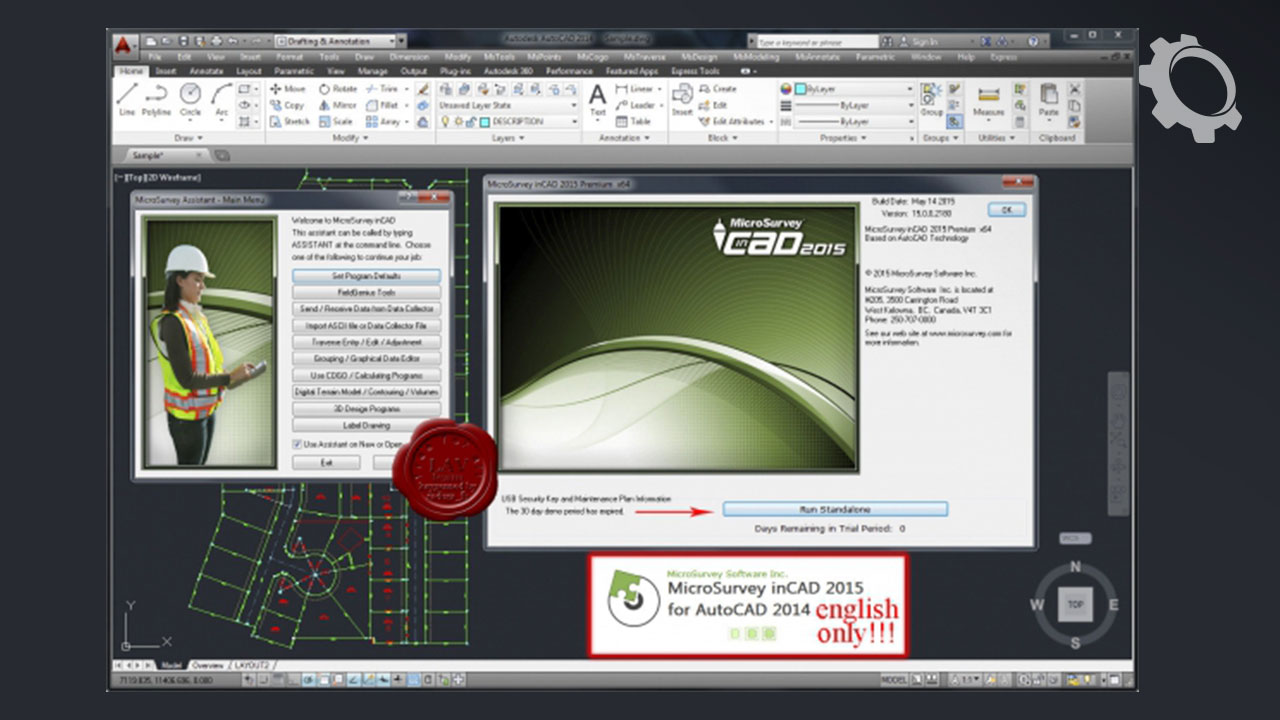
MicroSurvey inCAD 2015 v15 is a plugin that adds advanced survey and design tools to Autodesk software, with version 15.0 specifically compatible with AutoCAD 2014. It extends the functionality of existing AutoCAD installations for land surveyors, civil engineers, and contractors.
Core capabilities
- Integrated environment: inCAD operates directly inside AutoCAD, using the native DWG file format. Users can access MicroSurvey’s tools from the familiar AutoCAD command line, menus, and toolbars.
- Survey drafting and COGO: The software includes a comprehensive toolkit for survey drafting, coordinate geometry (COGO), and data entry. The “Active Coordinate Editor” allows dynamic viewing and editing of coordinate data, with changes immediately reflected in the drawing.
- Data collection interfacing: MicroSurvey inCAD is designed to be compatible with field data from all major total stations and data collectors. For users of MicroSurvey FieldGenius, a separate transfer program facilitates project transfers.
- Traverse and network adjustments: The software offers a range of tools for adjusting traverses and networks, including least squares adjustment for calculating coordinates from redundant data.
- Surface modeling (DTM) and volumes: It provides powerful tools for creating Digital Terrain Models (DTM), generating contours, and calculating volumes between surfaces or at a specific elevation.
- Geodetic and geospatial tools: For working with global coordinate systems, inCAD 2015 includes new geodetic tools. These allow users to store and edit points using latitude and longitude values and perform coordinate transformations between systems like UTM, 3TM, and SPC.
- Enhanced features: The software also includes several feature enhancements based on user requests, such as an improved AutoMAP Library, instant viewing of line bearings and azimuths in alternate reference systems, and a point clusters tool for visualizing coordinate changes during deformation studies.
- 2D drawing mode: A dedicated 2D draw mode allows users to create 2D entities while the original 3D elevation data is retained in the point database.
Only logged in customers who have purchased this product may leave a review.






Reviews
There are no reviews yet.